View the AirView compliance and therapy reports
The Therapy tab displays the patient’s AirView compliance and therapy report PDF files. By default, this report displays data from the last 30 days of usage. You can also choose to display reports that extend from the current date to the patient's setup date.
To review setup date reports, click Since setup.
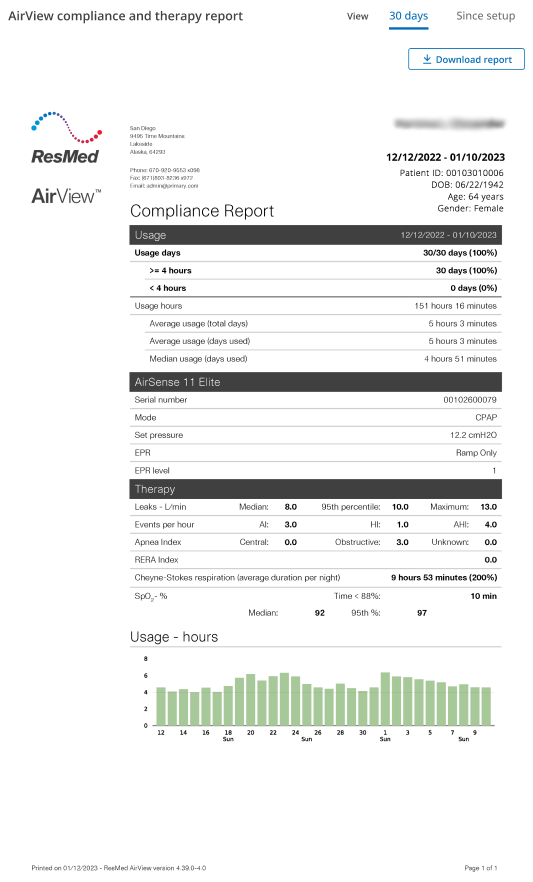
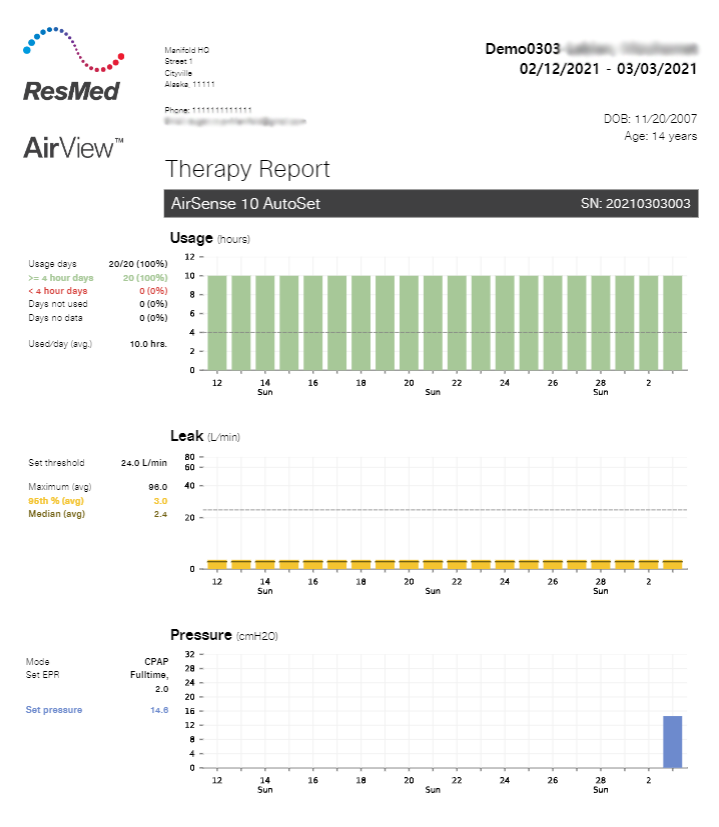
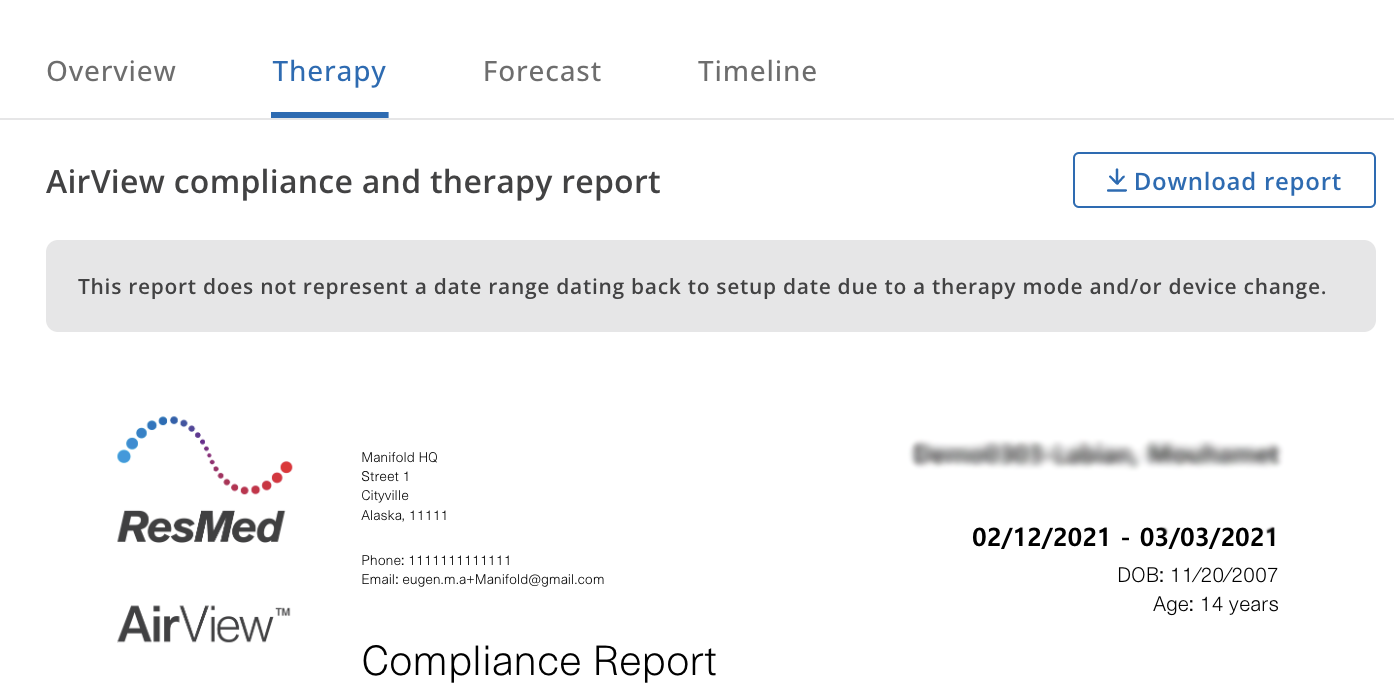
If the patient had a recent therapy mode or machine change, the report shows ComplianceCoach usage data accordingly, and one of two messages displays in the Therapy tab:
For reports that extend to the setup date: This report does not represent a date range dating back to setup date due to a therapy mode and/or device change.
For 30-day reports: This report does not represent a 30-day range due to a therapy mode and/or device change.
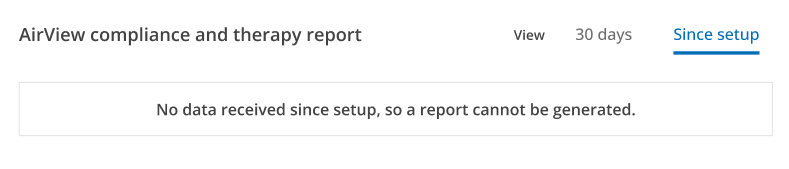
Depending on the report you are viewing, if the patient does not have relevant usage data, and a report is not available, you see an appropriate message in the Therapy tab:
No data received since setup, so a report cannot be generated.
Or:
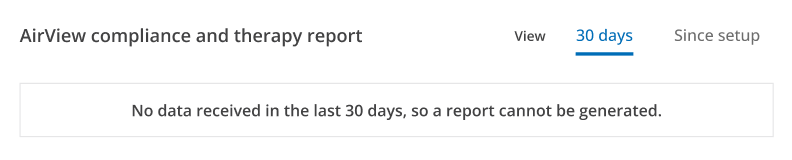
No data received in the last 30 days, so a report cannot be generated.
Download the report
If a compliance and therapy report displays in the Therapy tab, click Download report to save the file to your computer. This feature downloads only the displayed report.
Note: You cannot set custom date ranges for reports.
Note: Downloaded PDFs will open in a new tab.