Filter patients by Compliance forecast values
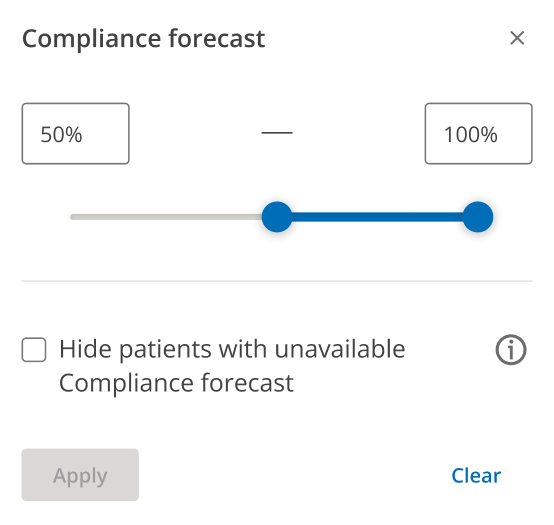
Move the Compliance forecast slider (between 0% and 100%) to identify patients within a Compliance forecast value range.
If you choose, you can select the check box to Hide patients with unavailable Compliance forecast.
Click Apply.
Note: By default, ComplianceCoach displays all patients including patients who don't have an available Compliance forecast.