Manage My lists
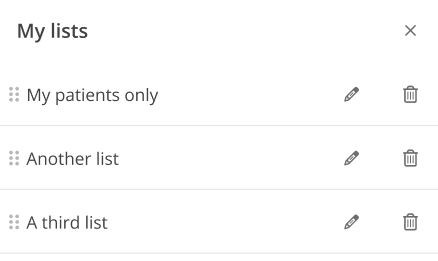
ComplianceCoach allows you to edit, reorder and delete any My lists you created.
To rename a list:
Click the Edit button near My lists.
In the My lists tab, click the Pencil icon next to the list name you want to edit.
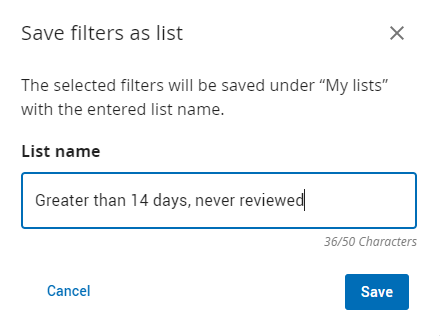
In the Edit list view, edit the existing list name and click Save.
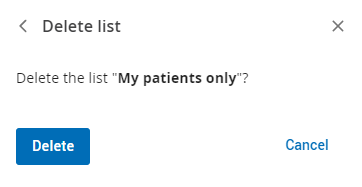
To delete a list:
Click the Edit button near My lists.
In the My lists tab, click the Trash icon next to the list you want to delete.
Click Delete to confirm.
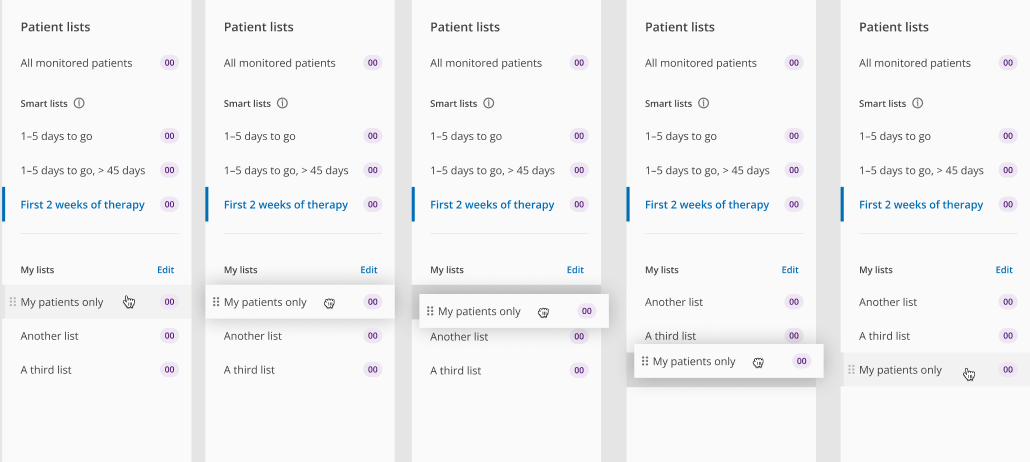
To reorder your lists
You can reorder lists in two ways:
Navigate to your ComplianceCoach Patient lists page.
Hover over any list until you see the grab icon appear to the left of the list name.
Drag and drop the desired list to reposition it.
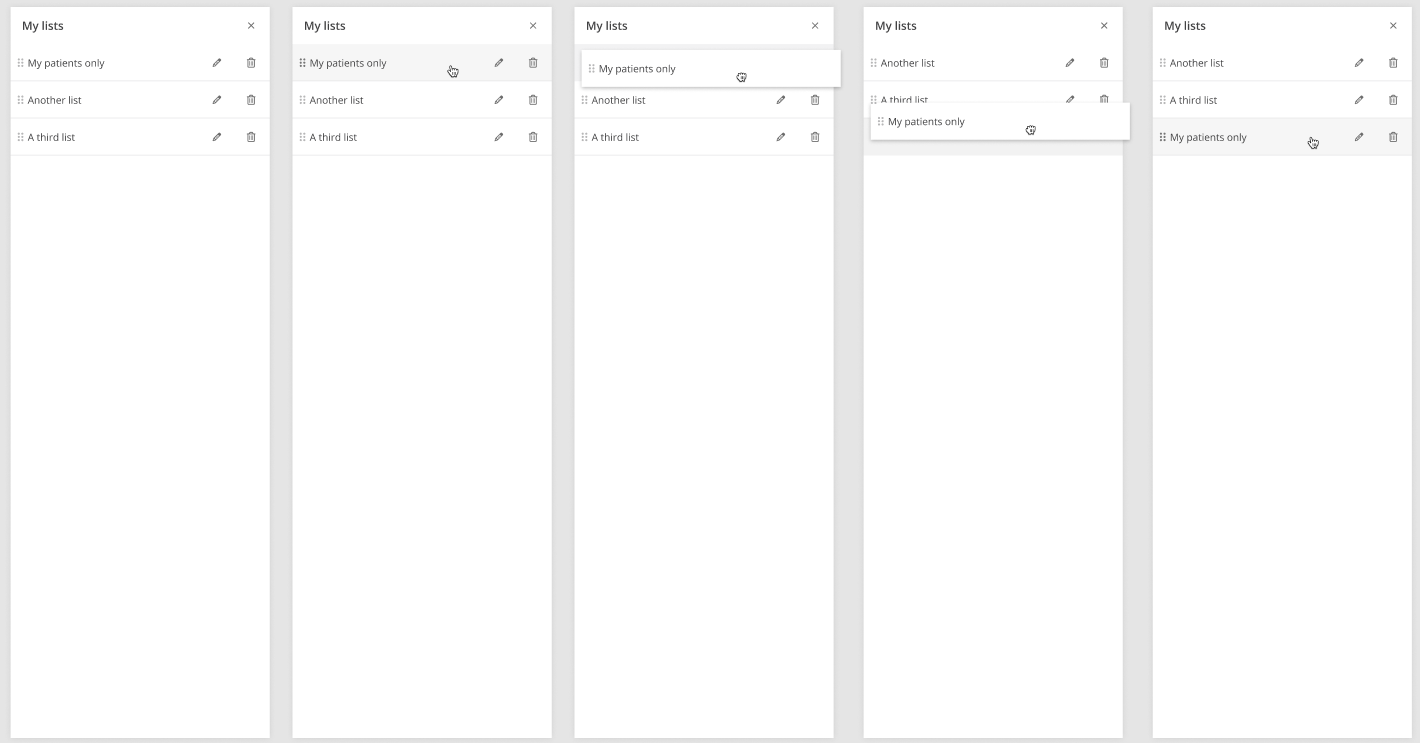
Within the My list edit panel.
Click the Edit icon near My lists.
Within the edit panel, click and drag on the list to reposition.
Drop the list to reposition it.
Note
Only one list moves at a time.