Search for individual patients
Click the ComplianceCoach Search bar.

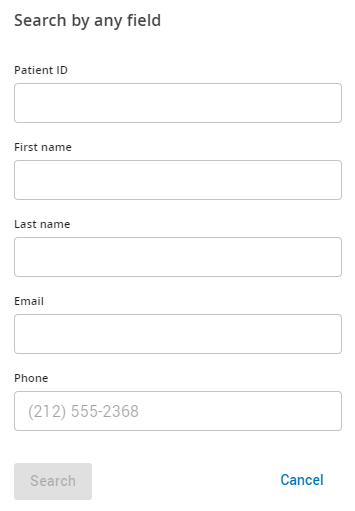
Enter any of the following details to find specific patients:
Patient ID (AirView)
First name
Last name
Email
Phone
Click Enter on your keyboard.
Note
To broaden your results to find multiple patients, use the % symbol in your search. For example, when you search for Marcus, adding %Mar% in the first name field selects everyone whose first name includes “Mar.”