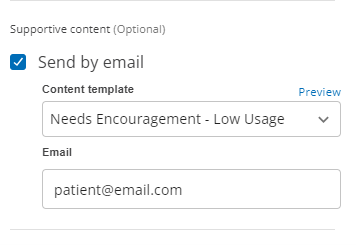
Send supportive content via email
ComplianceCoach lets you send personalized, supportive emails to patients. Our three email templates are based on the patient's needs:
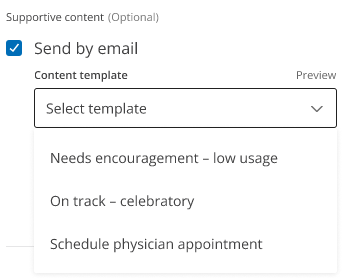
Needs Encouragement – Low Usage: Motivate patients with low therapy usage by offering encouragement and tips to support compliance that may contribute to more positive health outcomes.
On Track – Celebratory: Acknowledge patients consistently meeting their therapy goals with a congratulatory message, reinforcing their positive progress.
Schedule Physician Appointment: Remind patients to book an in-person appointment when a physical evaluation is needed or it's time for a routine check-up.
These templates can help you send timely and relevant messages to your patients and may support engagement and therapy compliance.
Send supportive emails:
Click Mark As and choose an outreach option.
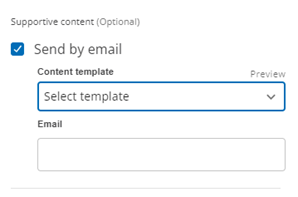
Select Send by email to display the email content options.
Choose one of three supportive content email templates.
Enter the patient's email address.