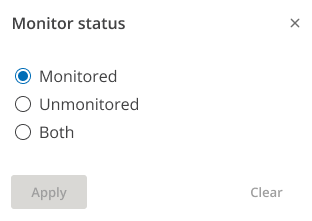
Filter patients by Monitor status
Filter patients by their Monitor status, which includes patients marked as Do not monitor by someone in your organization.
Select one of the following options:
Monitored: Select this option to show all patients monitored by someone in your organization.
Unmonitored: Select this option to show all patients who were marked as Do not monitor by someone in your organization.
Both: This option shows you all patients in your organization who can still meet the 90-day CMS compliance rule.
Click Apply.
By default, ComplianceCoach displays monitored patients.