Use Filters to organize patients
Within the Filters panel, you can use various categories to sort patients into manageable groups:
Days since setup
Days to compliance
Compliance forecast
Care Check-In responses
Last reviewed
Days until follow-up
Monitor status
Location (HME)
User
Device type
Latest usage hours
Latest therapy data
Data
Patient details
myAir status
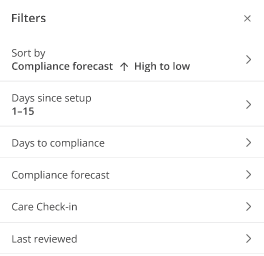
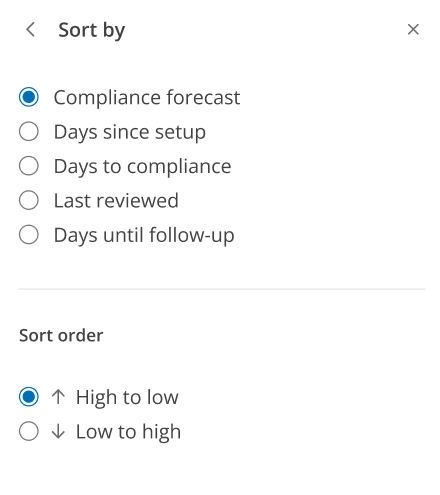
You can sort patients by ascending or descending order when you select Low to high or High to low next to the Sort by option.