Filter patients by data plan and data received since setup
You can find patients based on their data plan and whether their machine has sent data since it was set up.
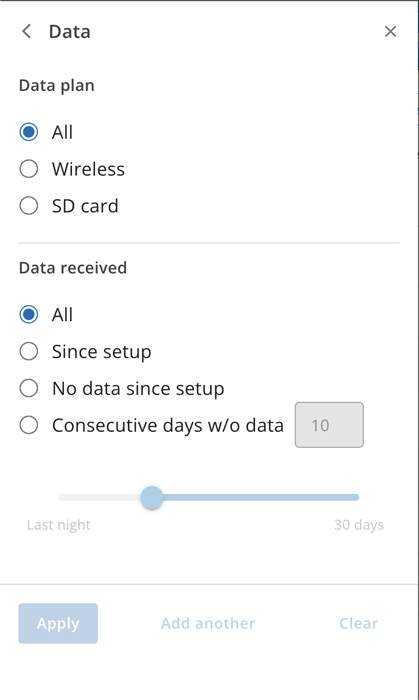
Use the following filters to find patients based on their data plan:
All: View patients with Wireless or SD card data plans.
Wireless: Show patients with Wireless data plans.
SD card: Display patients with SD card download only plans.
You can filter patients based on Data received from their machine since set up by using the following categories:
All: Show all patients.
Since setup: Show all patients with machines that have transmitted data since setup.
No data since setup: Show patients whose machines have not uploaded data since setup.
Consecutive days w/o data (X): Show all patients whose machines have not sent data for (X) number of consecutive days. The value for X must be between 1 and 30 days.
Click Apply.