Filter patients by Care Check-In responses
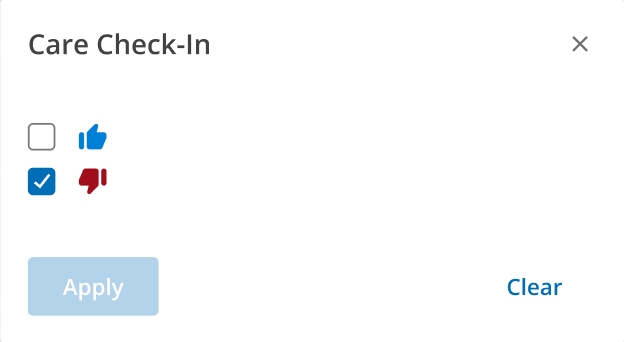
Select the thumbs up/thumbs down check box to identify patients with specific Care Check-In response.
Thumbs up: Select this check box to show all patients with a favorable Care Check-In response.
Thumbs down: Select this check box to show all patients with an unfavorable Care Check-In response.
Select both check boxes to view all patients who respond to Care Check-In surveys.
Click Apply.
Note: Care Check-In filters require patients to have a valid Care Check-In response within the last 10 days. So the patient will not show in the Care Check-In filtered list once their response expires.